
How to handle Instagram access token expiration
If you have our Instagram widget on your website, you might eventually run into a frustrating issue: your feed stops updating, and the photos stop loading. This is what happens when the Instagram access token expires.
Dealing with broken Instagram feeds is never fun. However, understanding why this happens and knowing the right tools to manage it can save you a ton of time and stress. To help you address the problem effectively, let’s look at the key reasons for Instagram access token expiration and practical ways to handle it like a pro:
- Why do tokens expire in the first place?
- The most frequent reasons for token expiration
- Smart ways to handle and prevent token issues
Why do tokens expire in the first place?

It’s easy to think a broken widget is our glitch, but LightWidget isn’t responsible for token expiration. Tokens are a security feature of the official Instagram API created by Meta that we use to provide our services.
When you connect your Instagram account to LightWidget, Instagram issues a temporary digital key (your access token), so our app can securely fetch your photos. Because these tokens access your data, Instagram intentionally expires or revokes them to keep your account secure.
The most frequent reasons for token expiration
Tokens may expire when their set lifespan (about 60 days) ends, but they’re often revoked earlier due to security changes on your Instagram or Facebook account.
We use mechanisms like auto-token refreshing on our end to automatically reset that 60-day lifespan, keeping your widget running without you having to lift a finger. However, there are certain scenarios where Instagram marks the token as completely expired and blocks our auto-renewals. When this happens, you must reconnect it manually.
The most common triggers include:
- Changing Your Password: Updating your Instagram or Facebook password immediately invalidates all active API tokens.
- Enabling Two-Factor Authentication (2FA): Modifying your core security settings forces Instagram to clear existing access permissions.
- Suspicious Login Activity: If Instagram detects a login from a new or unusual location (such as sharing your login credentials with a web developer in another country), its security algorithms may lock the account and revoke tokens.
- Instagram API Breaking Changes: Meta occasionally updates its API infrastructure or privacy policies, which may require all users to re-authenticate their applications.
Smart ways to handle and prevent token issues
You can’t bypass Instagram’s security rules, but you can use LightWidget’s features to manage them more effectively.
1. Set up email notifications
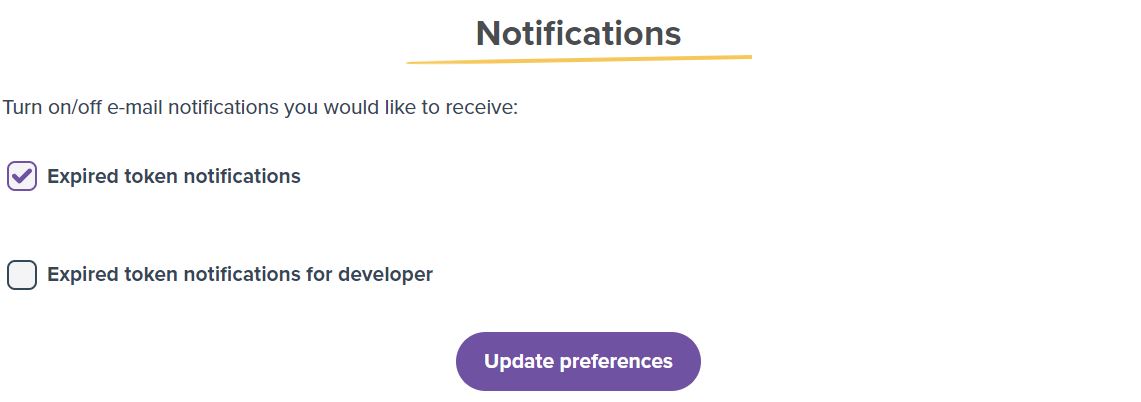
Don’t wait for a visitor to tell you your Instagram feed is broken. LightWidget allows you to set up proactive email alerts. Head over to your Settings page and enable notifications so you are instantly informed the moment your token expires, allowing you to reconnect it before anyone notices. It applies only to the widget with add-ons.
2. Connect via Business connection with Facebook Login
If you have a Facebook Page linked to your Instagram account, use the Business connection with Facebook Login method instead of the standard Instagram login.
When a Facebook Page Admin connects the Instagram account through Facebook’s Business integrations, the generated tokens are much more robust and are valid for significantly longer periods. This means fewer disconnections and less maintenance for you.
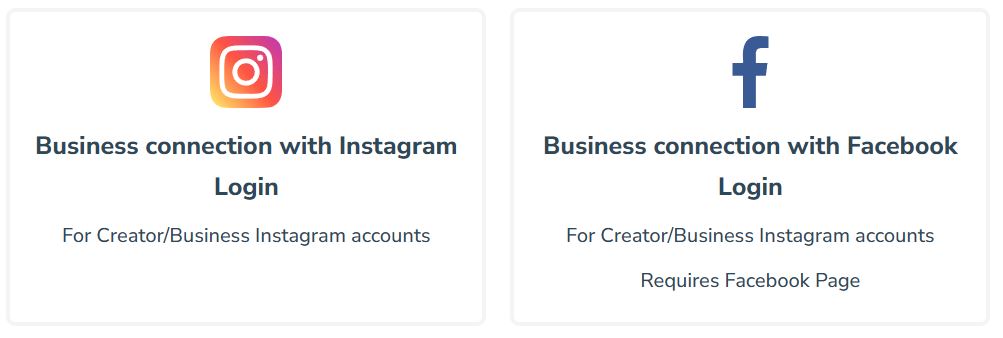
Once you connect the account using Business connection with Facebook Login, you can edit your widget settings and select the newly connected account in the Content → Instagram account option. Select the one with the “Business connection FB” annotation.
3. Use the Developer feature for client accounts
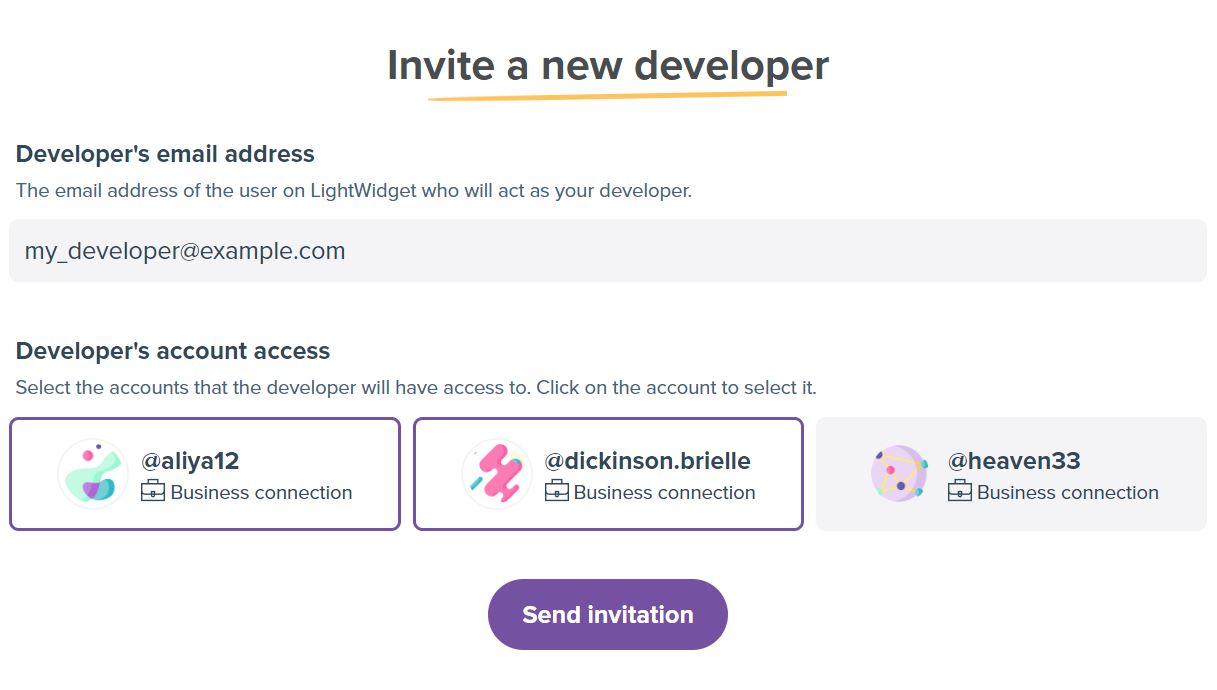
If you are a freelancer or agency handling Instagram accounts for your clients, never ask for their Instagram passwords. Logging into a client’s account from a different location often triggers Instagram’s security algorithms, which instantly expire the token.
Instead, use the LightWidget Developer Feature. Clients log in safely from their own device, and you get the widget access you need – keeping the token safe and valid.
4. Enable the Image Optimization Add-on
A closely related issue to API expiration is image URL expiration. Instagram natively hosts your feed images, but those image links are designed to go offline and expire after a certain amount of time.

Above is an example of the widget when the token expires, and the images stop loading.
To prevent this, we recommend using the Image Optimization Add-on. This feature routes your images through our dedicated CDN (Content Delivery Network), ensuring your photos never go offline, load faster for your website visitors, and remain completely unaffected by Instagram’s native image link expirations.


Comments (0)
You must be logged in to post comments.